1. Prepare the artwork
- Text converted to outlinesOtherwise it renders in a fallback font on machines without the typeface.
- Strokes expanded where they must scaleStroke widths don't scale in every app. Expand them in the master files.
- Clean pathsNo stray points, empty groups, hidden layers or objects off the artboard.
- One artboard per lockup, cropped to the artworkWith the same small padding on each, so logos align when placed side by side.
- Colours named and set as swatchesBrand colours defined once, not eyeballed per shape.
- Final approval in writingThe exact version you are about to export, signed off by the client.
2. Export the grid: lockups × colourways × formats
Most packages are a grid. Fill every cell, so nobody has to recolour or convert a file themselves.
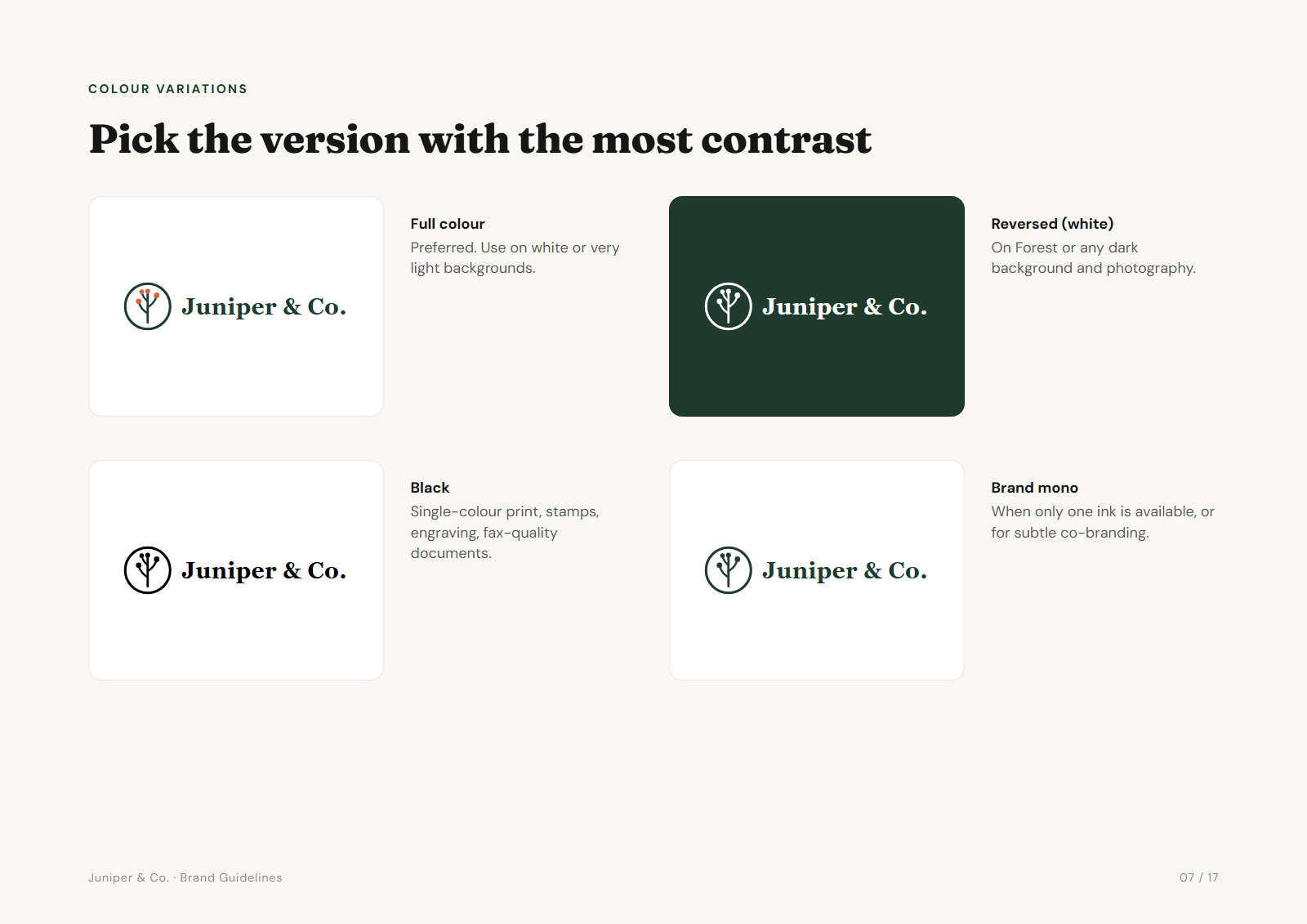
| Full colour | Black | White | One-colour | |
|---|---|---|---|---|
| Primary | ✓ | ✓ | ✓ | ✓ |
| Secondary | ✓ | ✓ | ✓ | ✓ |
| Icon | ✓ | ✓ | ✓ | ✓ |
Each cell becomes six files: SVG, PDF, PNG at 500, 1000 and 2000 px wide, and JPG. That is 12 × 6 = 72 logo files. Add EPS only when a printer asks.
3. The files beyond the logo
- Favicons and app icons16, 32, 180, 192 and 512 px PNGs, an SVG favicon, a
site.webmanifestand the HTML tags to paste into the site head. - Social imagesProfile pictures (usually the icon) and covers sized for each network the client uses.
- Colour filesHEX, RGB, CMYK and Pantone in one document, plus CSS or design tokens if a developer is involved.
- GuidelinesAt least clear space, minimum size, colourway rules and misuse examples. A PDF the client can forward.
- Typography notesFont names, weights and where to license them. Not the font files themselves, unless your licence allows it.
- A "start here" fileA README or an HTML page at the top of the folder that previews the logos and says which file to use where.
4. Quality checks before you send
- White versions on a dark backgroundCut-outs must be transparent, not white shapes. Check every lockup.
- PNG transparencyPlace one on a coloured slide. No white box, no grey halo around the edges.
- Vectors open everywhereOpen an SVG in a browser and a PDF in a PDF reader as well as your design app.
- Smallest sizes still readLook at the 16 px favicon and the 500 px PNG at actual size.
- File names say what they areBrand, lockup, colourway and size:
acme-primary-white-1000px.png. Lowercase, hyphens, no spaces. - Folder paths are shortLong nested paths can fail to unzip on Windows.
- Nothing extra in the ZIPNo
.DS_Storefiles, old drafts or your working files. - Unzip it as the client wouldDownload your own link on another machine and open a few files.
5. Send it
- One ZIP, one linkUse a link that won't expire for at least a few weeks. Keep your own copy.
- A short handoff emailWhat's inside, which file to use for the common jobs, and who to send to the printer and the web developer.
- Rights and payment confirmedFinal invoice paid and the copyright or licence terms stated, as agreed in your contract.
A handoff email that works:
Hi [name],

Your final logo files are here: [link]

Start with "Open me first" at the top of the folder: it previews
every version and says which file to use where. The short version:
- Website and documents: PNG files, or SVG for your web developer
- Printing and signs: the PDF files
- Dark backgrounds: the "white" versions
- Colour codes and fonts: in the guidelines PDF

If a supplier asks for a format that isn't there, send them to me.

[Your name]
Download the checklist
Get the whole list as a plain text file you can paste into Notion, Trello or a project template: logo-package-checklist.txt.
For which format does which job and how to name the folders, see our guide to logo files for clients. For what belongs in the deal, see what a logo designer should deliver.
Frequently asked questions
What should a logo package include?
Every lockup in every colourway as SVG, PDF, PNG and JPG, plus favicons, social images, colour values, font names, a short guidelines document and a "start here" file that explains which file to use where.
How many files are in a logo package?
Three lockups in four colourways and six formats is 72 logo files. With favicons, social images, colour files and guidelines, a complete package is usually over 100 files.
What is the most common logo handoff mistake?
White versions with white shapes instead of transparent cut-outs. They look fine on a white screen and wrong on every dark background. Always check reversed logos on a dark colour.
Do I need to include EPS files?
Not by default. A vector PDF covers almost every print job. Export EPS when a printer or sign maker specifically asks for it.
Can I automate the logo package?
Yes. Brandpack generates the export grid, favicons, social images, colour files, a guidelines document and a client portal from your logo SVGs, in your browser. You still design the lockups and check the result.