What a brand guidelines document should include
Small and mid-sized brands rarely need a 100-page brand book. A focused guide of 10 to 20 pages covers what people actually look up:
- Cover and contents. The brand name, version and date.
- At a glance. One page with the logo, colours and fonts. Most people only read this page, so make it count.
- The brand. A sentence or two about who the brand is for, plus its values or tone.
- Logo suite. Primary, secondary and icon, and when to use each.
- Colour variations. Full colour, reversed, black and one-colour, with the background each belongs on.
- Clear space and minimum size. The exclusion zone around the logo and the smallest sizes for screen and print.
- Misuse. Visual examples of what not to do: stretching, recolouring, effects, busy backgrounds.
- Colour palette. HEX, RGB, CMYK and Pantone where available, plus how much of each colour to use.
- Accessible colour pairs. Which text and background combinations pass contrast guidelines.
- Typography. Heading and body typefaces, weights and a type scale.
- Applications. Social media, stationery and anything else the client will produce first.
- Contact. Who to ask, and where the master files live.
Download a 17-page sample guide (PDF)
This sample was generated by Brandpack for Juniper & Co., a demo skincare brand made up for the purpose. It follows the outline above, page for page.
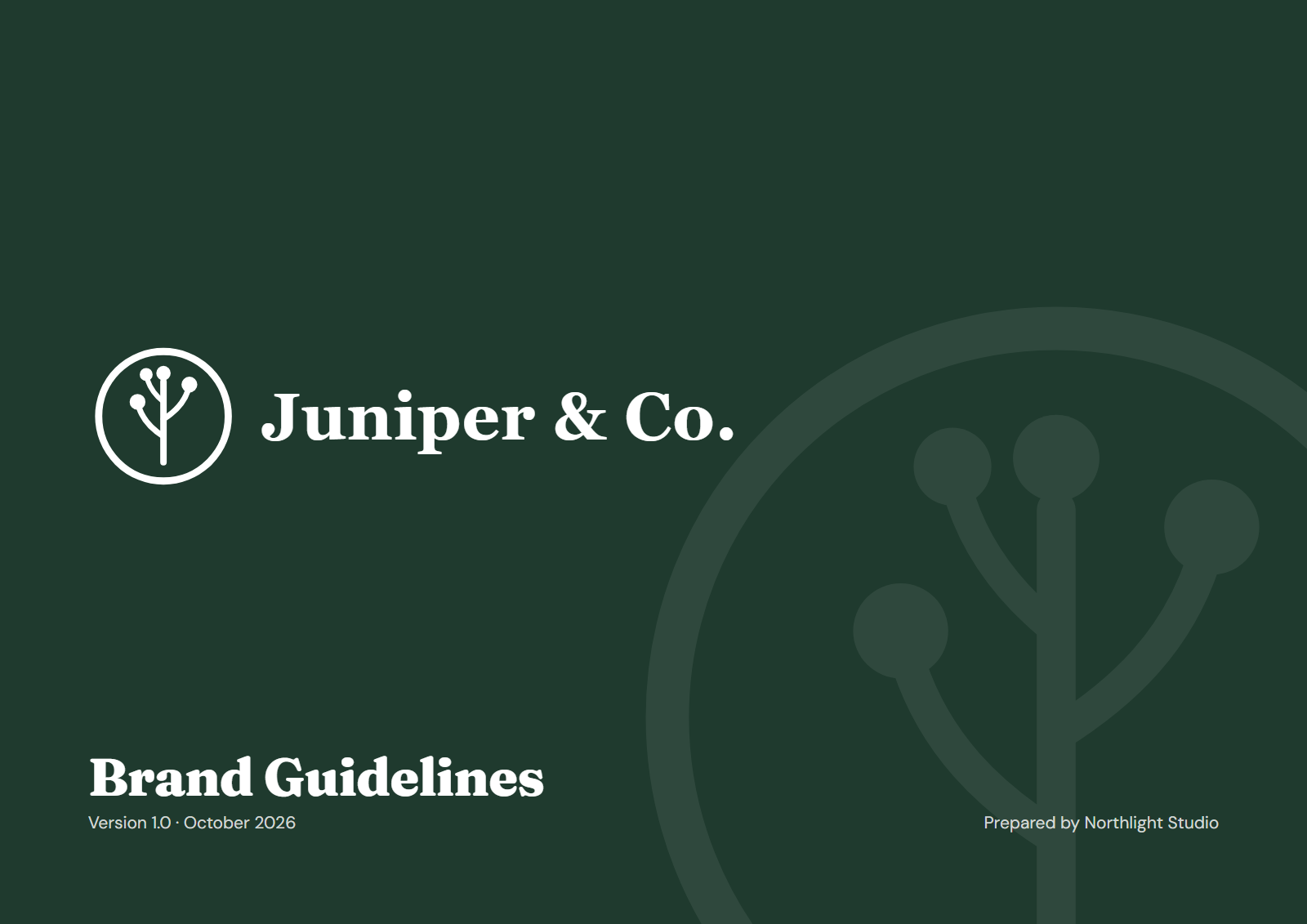
Section by section: logo, colour, typography, usage rules
Logo
Show each lockup on a clean background with a one-line rule for when to use it. Then show the colour variations on the backgrounds they belong on, rather than describing them in words.
Clear space and minimum size
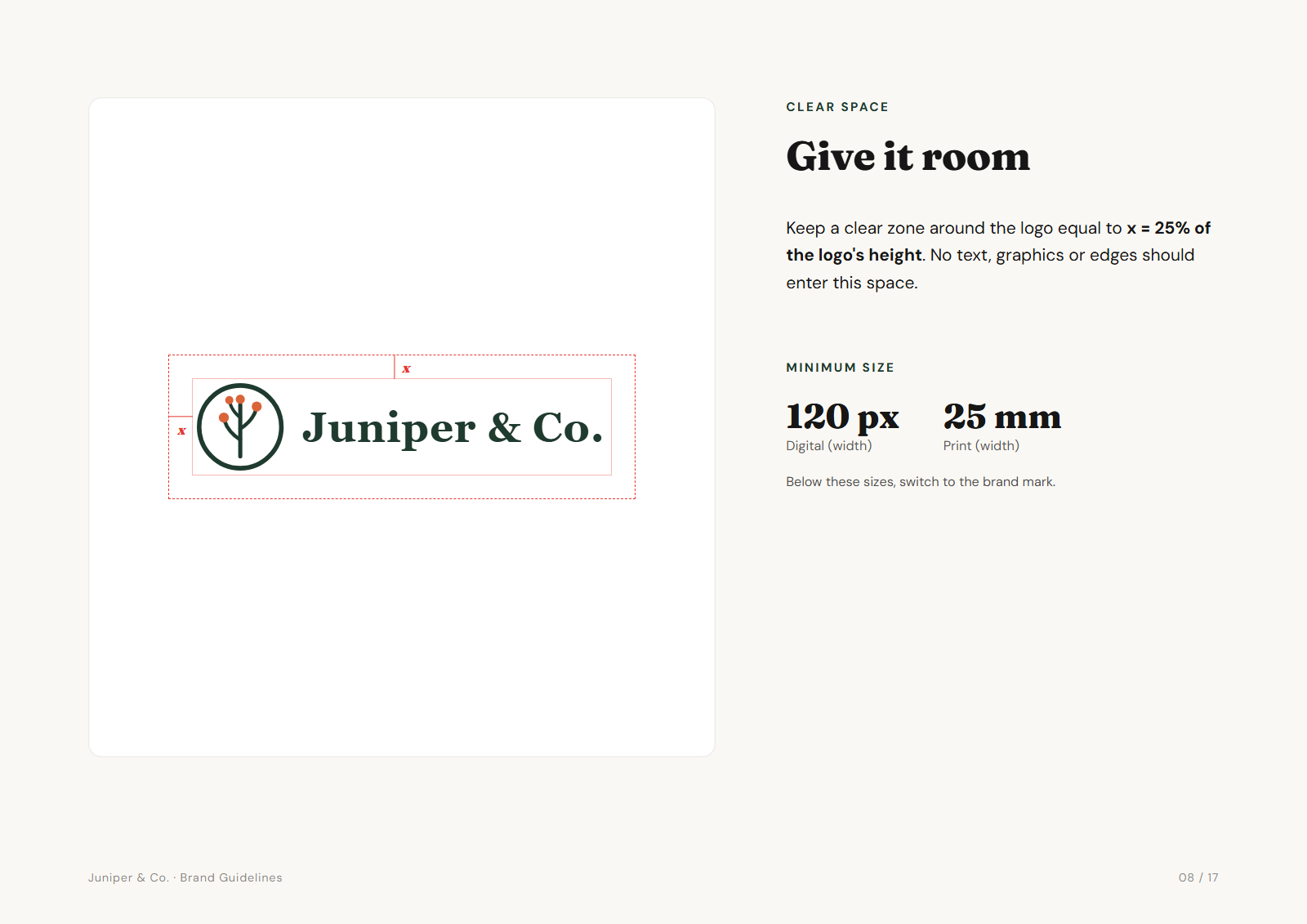
Define clear space relative to the logo itself, for example 25% of its height, so it scales. Give minimum sizes in both pixels and millimetres.
Colour
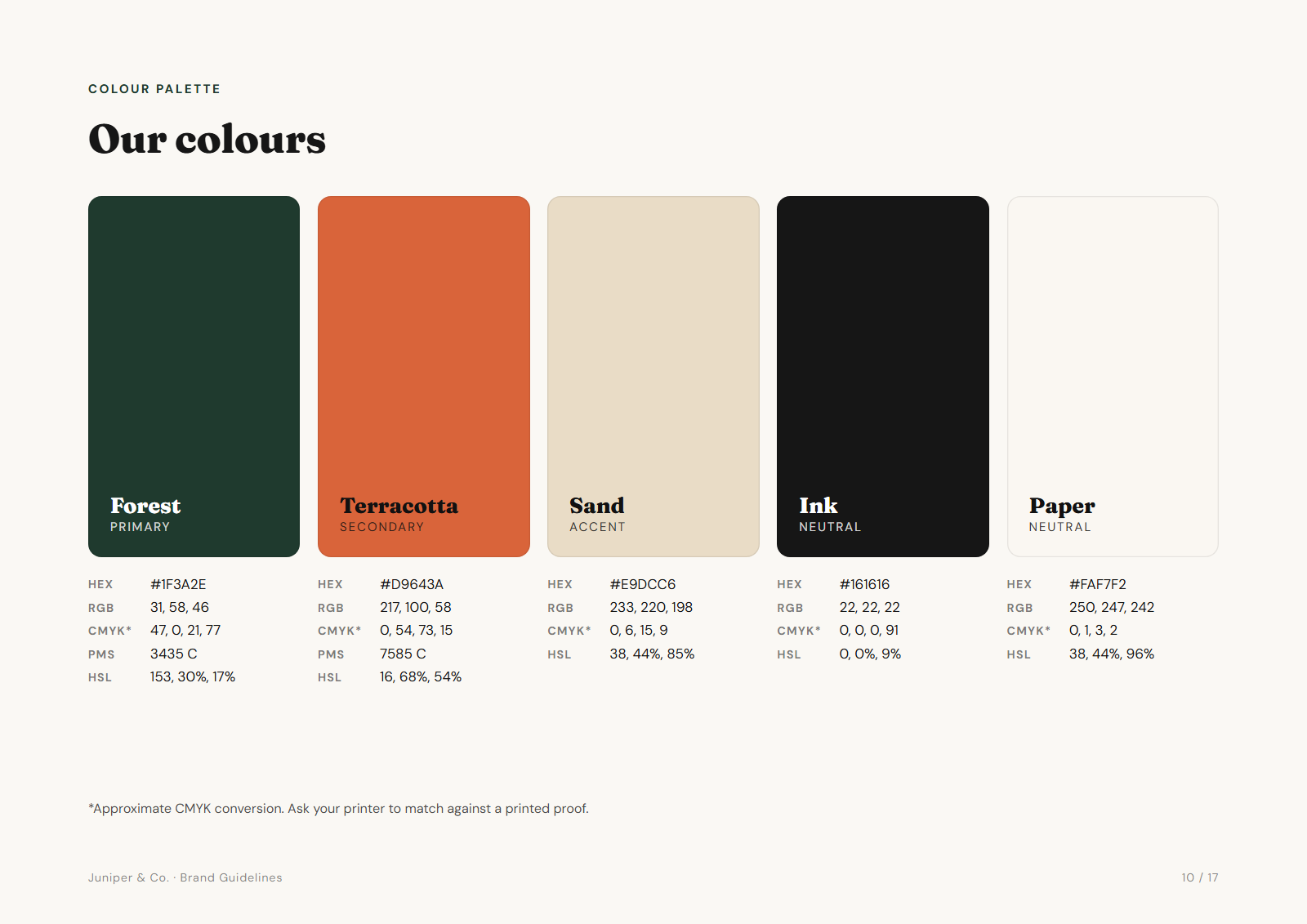
List every value people need. Mark CMYK as approximate unless it was matched on press, and add a proportions bar so the primary colour dominates.
Typography
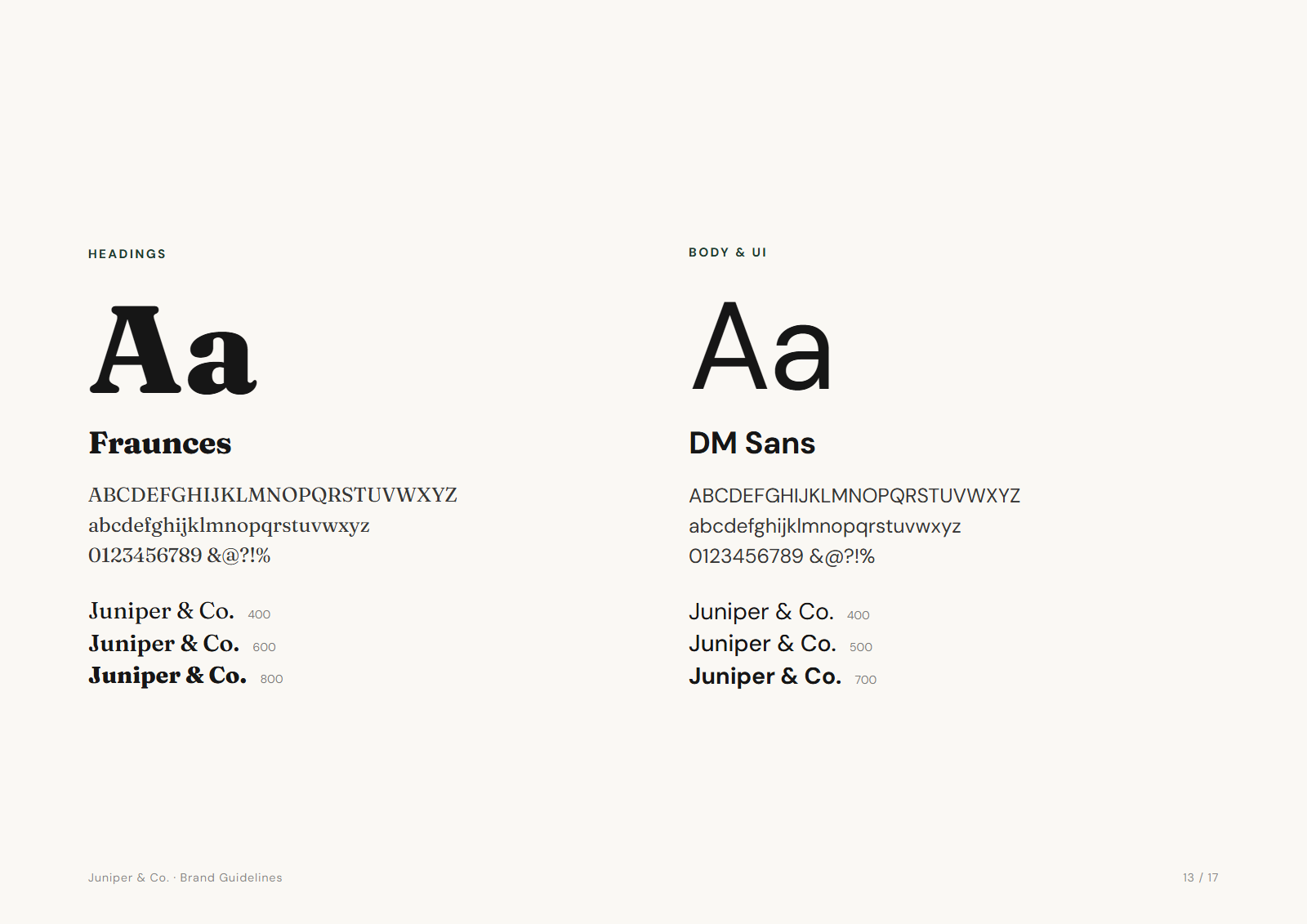
Name the typefaces, show the weights in use, and give a type scale with sizes for headings, body and captions. If the brand font is paid, name a free fallback for documents.
Usage rules
Visual "don't" examples work far better than paragraphs. Four to six are enough: stretched, recoloured, with effects, on a busy background, low contrast, rearranged.
Template vs generated guidelines: when to use which
| Editable template (Figma, InDesign, Canva) | Generated from the logo | |
|---|---|---|
| Best for | Large brands with custom sections, photography and tone-of-voice chapters | Small and mid-sized brands that need a solid, correct guide quickly |
| Time | Hours to days of layout | Minutes, then adjust |
| Logo variations and files | Made separately, by hand | Produced together with the guide, from the same artwork |
| Flexibility | Total | A fixed structure you fill in |
Plenty of designers combine the two: generate the guide and files, then add a custom chapter where the brand needs it.
Generate one from your client's logo, colours and fonts
Brandpack builds the guide above from the logo SVGs, palette and typefaces you add, then exports it with the logo files, favicons, social images and colour files. Add your studio name and it goes out as your work.
Frequently asked questions
What is included in brand guidelines?
At minimum: the logo suite and when to use each version, colour variations, clear space and minimum size, misuse examples, the colour palette with all its values, and typography. Many guides add an at-a-glance page, accessible colour pairs and examples of the brand in use.
How long should a brand guidelines document be?
For most small and mid-sized brands, 10 to 20 pages. Long enough to cover the logo, colour and type properly. Short enough that people read it.
Is there a free brand guidelines template?
Yes. Design tools such as Figma and Canva publish free editable templates. Brandpack generates a complete guide from your client's logo instead. Your first brand is free, and its guidelines PDF has no watermark.
Do small clients need brand guidelines?
Usually yes, even a short one. The first time the client sends their logo to a printer or a new web developer, the guide answers the questions that would otherwise come back to you.
Can I edit the generated PDF?
You edit the content in Brandpack (names, colours, fonts, rules, text) and regenerate. The guide also comes as an HTML file you can open and print to PDF from any browser.